
What "estimated" means on money figures
Why Atteny labels hours-based amounts as estimates, what they include, and what only your payroll can tell you.
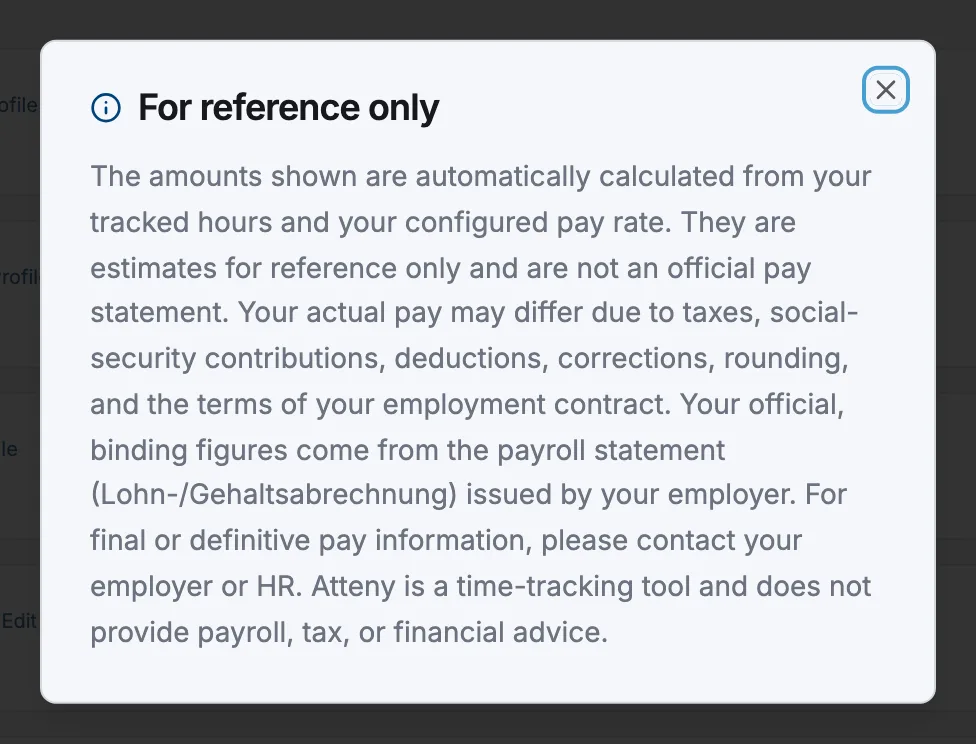
Atteny tracks time. Every amount it shows beside those hours is something it worked out from two things it already stores: the hours tracked and the rate that was configured. That makes it an estimate for planning and reference — never an official pay figure. Wherever such an amount appears, a quiet note sits under it with a Details link that opens the full text under the heading For reference only.
How an estimate is built
Regular hours × the hourly rate in force at that shift's clock-in, plus approved overtime hours × that rate × the pay rate's overtime multiplier. If overtime is banked as time off instead of paid, it adds nothing to the money — see Overtime and extra hours. The Payroll view goes further and applies the contribution rates, tax brackets and surcharges you maintain under Settings → Payroll; that's your own table arithmetic, not an assessment, and Atteny neither keeps those tables current nor gives tax advice.
What an estimate cannot know
Anything that happens outside tracked hours and configured rates: corrections made after the fact, pay elements nobody records as hours, your rounding conventions, and every entitlement your collective agreement or employment contract creates beyond the numbers typed into Atteny. The binding figures are the ones on the pay statement your employer issues.
Where these figures appear
| Where | The figure |
|---|---|
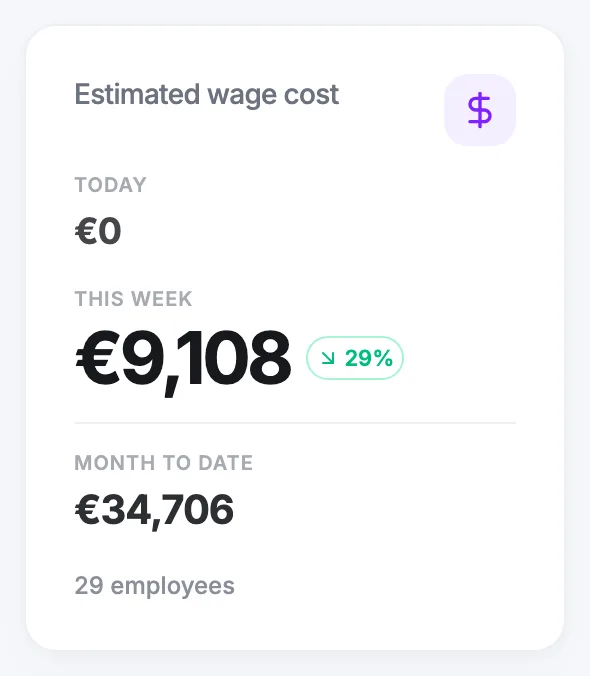
| Dashboard | Estimated wage cost (today, week, month, per location) |
| Timesheets | Total Cost and the per-shift cost column |
| Reports → Location summary | Labor cost |
| Payroll | Total Gross, Total Net, Income Tax, Total Employer Cost, and the payslip PDF footer |
| Your own dashboard (web) | Total Earned for the month |
| Atteny app | earnings on Home (while Show financial info on home screen is on), and More → My Payslip |
| Scheduled report emails | a note under the table when the labour-cost column is included |
Numbers that are not estimates in this sense
- A configured pay rate is a fact. The hourly rate on someone's Employment tab is what you entered — nothing was derived from hours, so it carries no note.
- A schedules coverage cost is a plan. The Labour Cost shown for a planned day comes from scheduled hours, so it's a forecast of what a day should cost, not a record of what it did.
Related articles
Still need help?
Contact support