
Overtime and extra hours
How Atteny decides what counts as overtime, and how it gets approved.
Atteny has one overtime rule: hours beyond an employee's contracted weekly hours, counted over a Monday-start week. A long day on its own doesn't create overtime: a 10-hour Monday inside a 38-hour week against a 40-hour contract is still all regular time. There's no daily or per-shift overtime.
Where the weekly contract comes from
Atteny uses the first of these it finds:
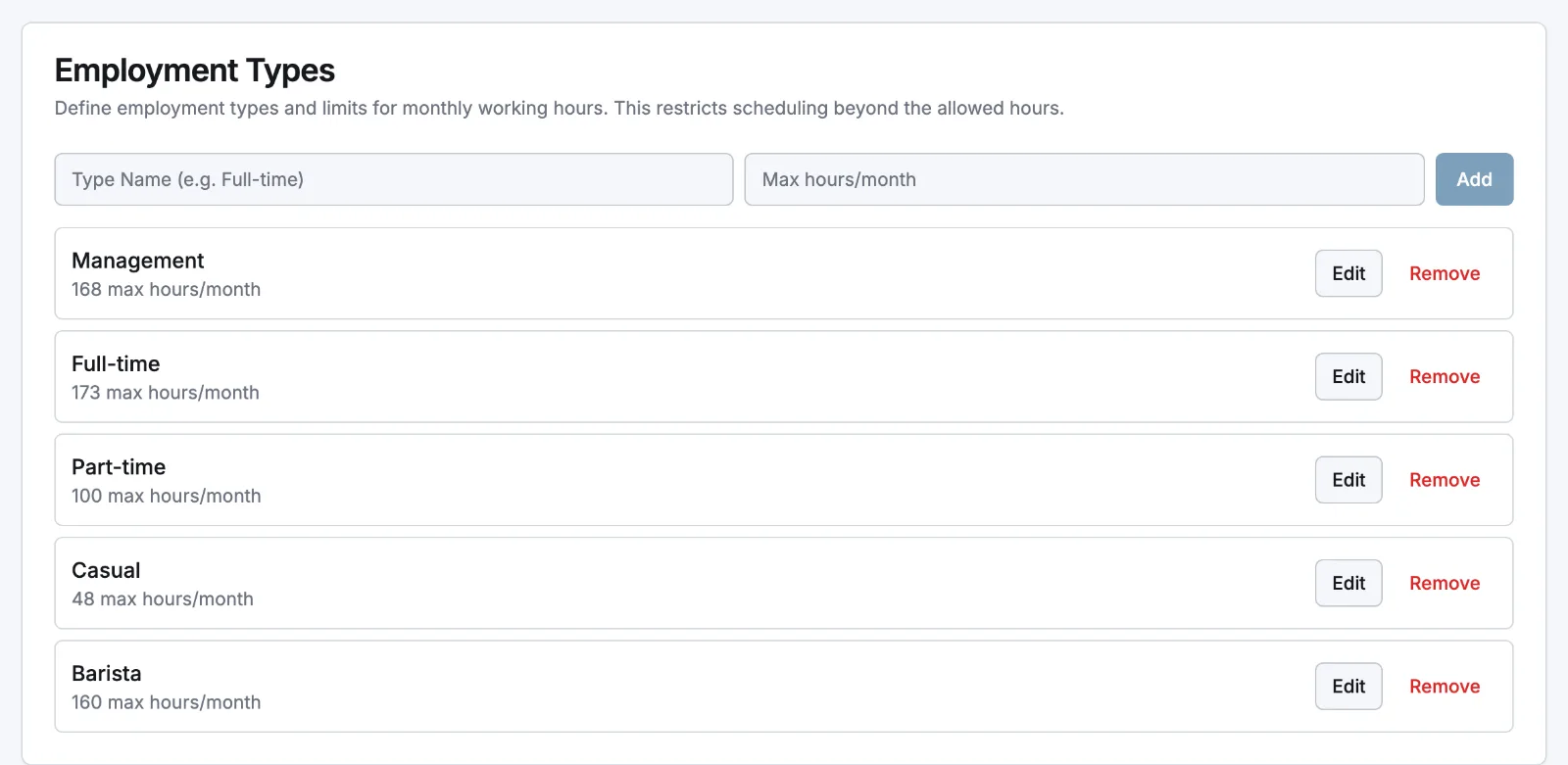
- The employee's employment type: its max hours/month, converted to a week. Create types under Settings → Pay Rates, then assign one on the person's Employment tab.
- The location's Expected Weekly Hours (Locations → the location → Scheduling), used when no employment type is set.
- 40 hours, if neither is configured.
Approving extra hours
Each employee has an Allow Overtime switch on their Employment tab (select Edit):
- On: hours past the weekly contract count as overtime right away.
- Off: those hours are flagged Extra time and earn no overtime premium until a manager or admin approves them.
Overtime is approved separately from the timesheet. In Timesheets → Records, a flagged row shows a tick and a cross; or open the entry and use the Overtime block to set Pending, Approved or Rejected. Approving the timesheet in Reviewing and approving timesheets does not approve its extra hours, and the reverse is also true.
Salaried contracts are a flat wage, so extra hours are only tracked for visibility, tagged Extra hours (salaried, unpaid), with nothing to approve.
Where it shows up
- Timesheets: an Overtime flag and the regular/overtime hours split.
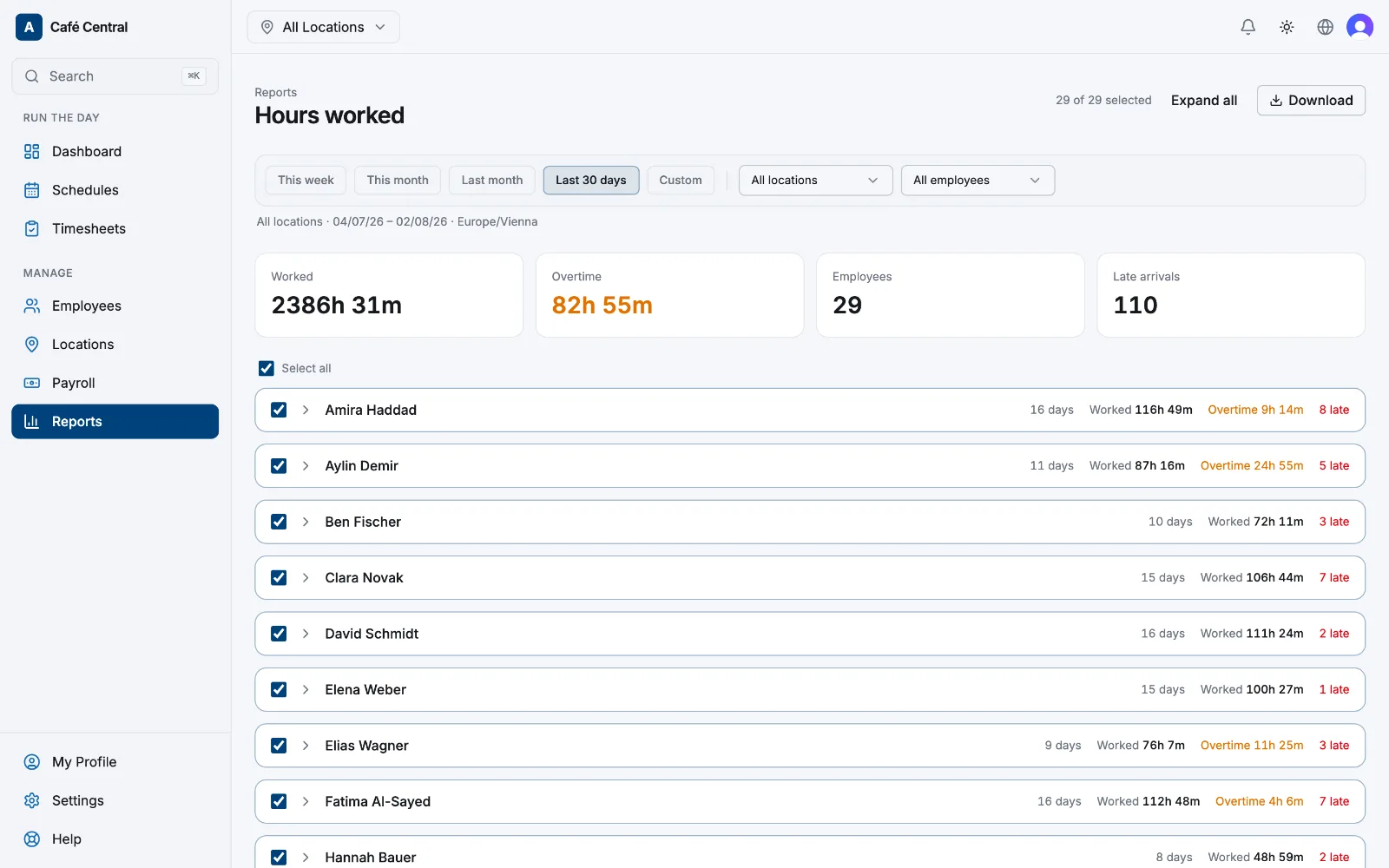
- Reports → Hours worked: an Overtime total, an Overtime column per shift, and a regular/overtime split on the totals row.
- Payroll: approved overtime hours priced at the pay rate's Overtime Multiplier, set with the rate itself in Roles and pay rates.
- Settings → Time & attendance → Overtime: turn Pay overtime in money off to bank approved overtime as time off in lieu instead of paying it.
Related articles
Still need help?
Contact support