
Get the app
Atteny is app-first for your team. Here's where to download it and what you'll see when you open it.
For your team, Atteny is the phone app. That's where you clock in, see your schedule, request time off and swap shifts. The web app is mainly for admins and managers. As an employee, everything you need lives on your phone.
Where to download it
The Atteny app is coming soon to the App Store and Google Play, so you won't find it by searching the stores just yet.
- 1
Open your invitation email
When your admin invites you, you'll get an email in your own language. It includes a link to the download page, the easiest way to get the app on your phone.
- 2
Install and open Atteny
Follow the link, install the app, and open it.
- 3
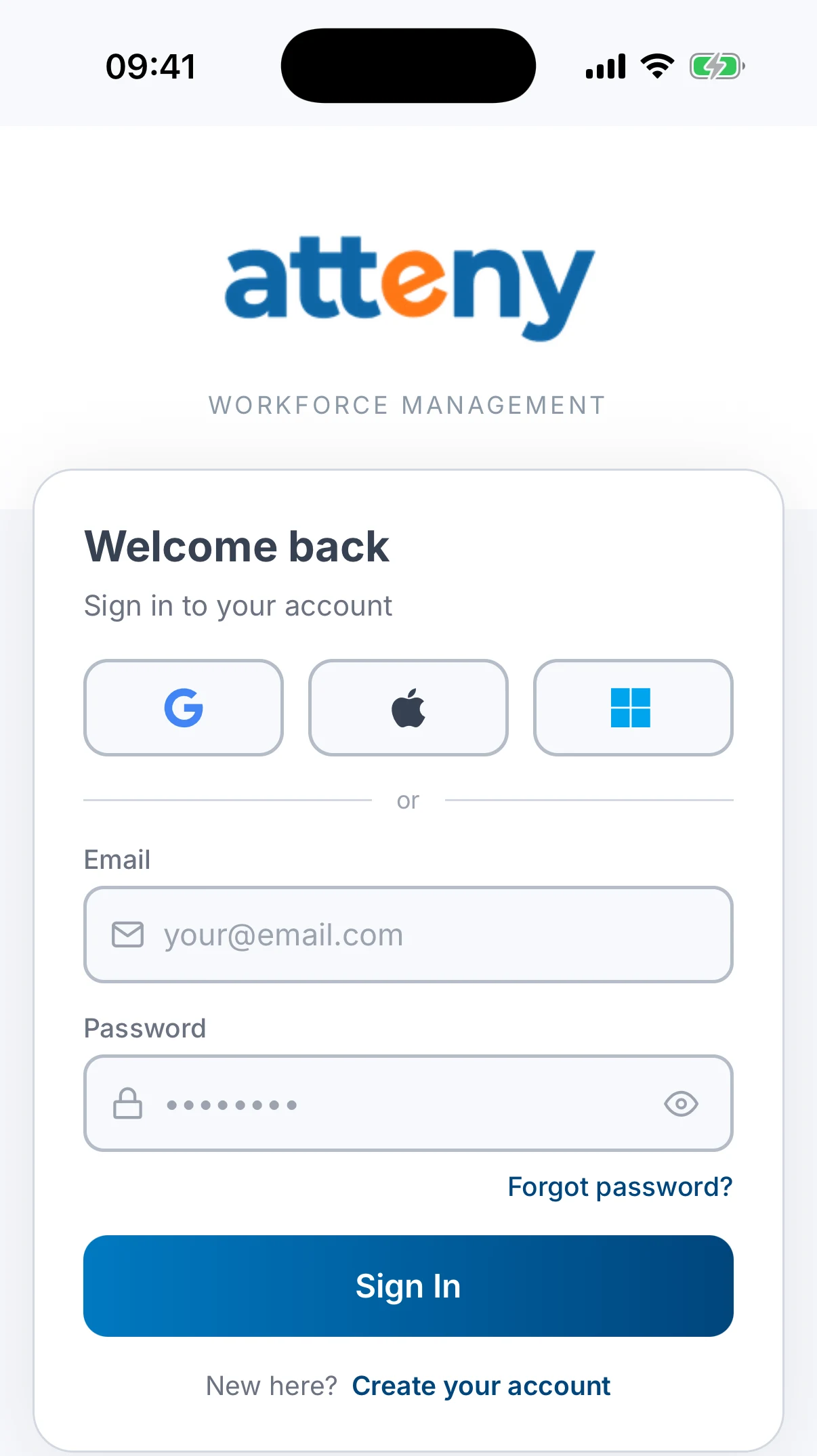
Land on the sign-in screen
You'll see Welcome back / Sign in to your account, with buttons for Google, Apple and Microsoft, plus email and password.
Next step
Don't sign in with just any account: you need to join with the email address your admin invited. Next up: Accept your invitation.
Related articles
Still need help?
Contact support