
Accept your invitation
Join your company by signing up with the email address you were invited with, no code to type.
Your admin invited you to Atteny, and you got an email in your language. To join, you sign up in the app with the same email address that was invited. That's how Atteny matches you to your company. There's no code to type.
First, get the app if you haven't already.
- 1
Open the app and go to sign up
On the Welcome back screen, tap New here? Create your account at the bottom.
- 2
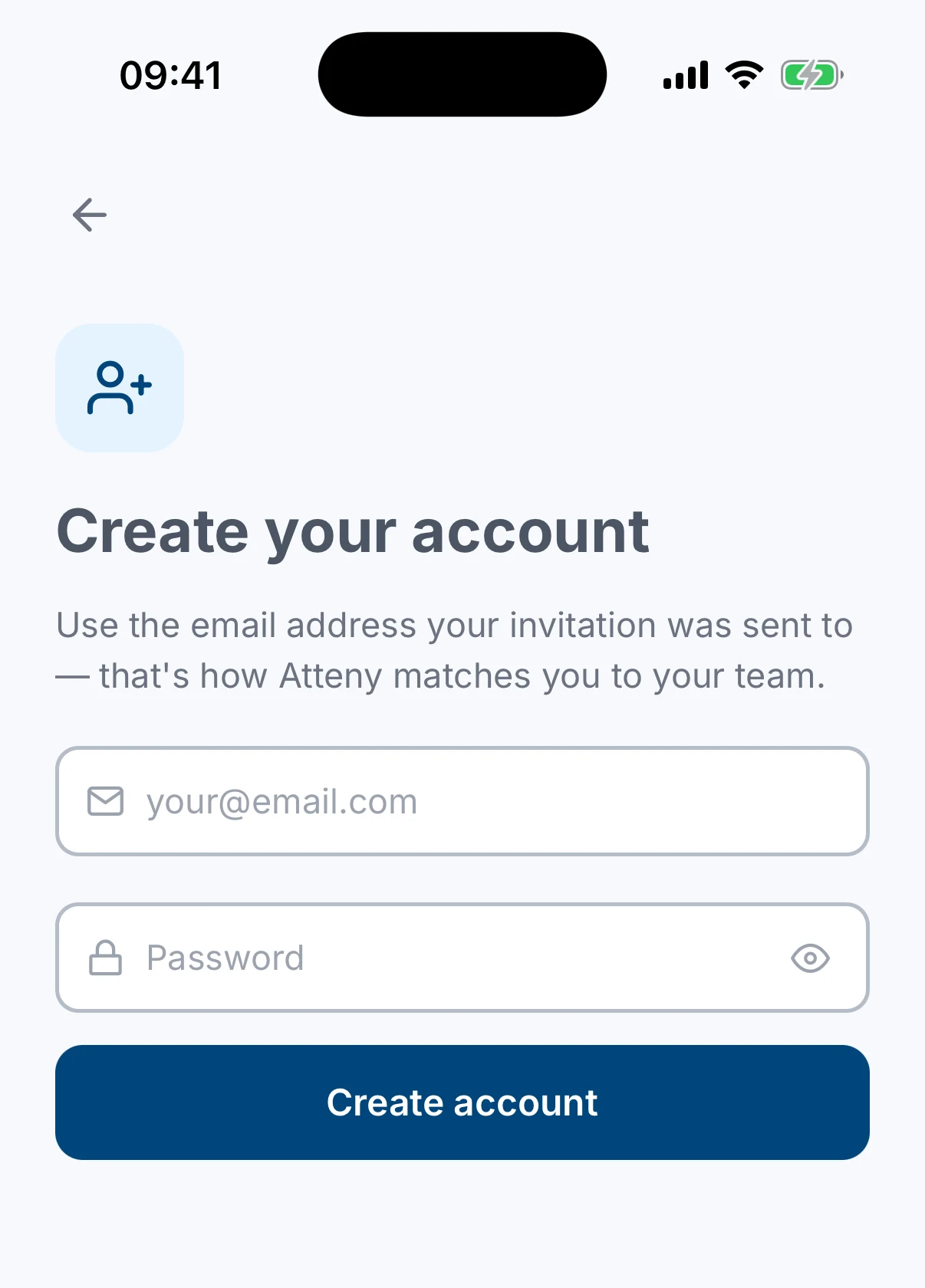
Sign up with your invited email
Enter the exact email address your invitation was sent to, choose a password, and tap the sign-up button. If you'd rather use Google, Apple or Microsoft, go back and tap that provider on the sign-in screen instead. Just make sure it's tied to the invited email.
- 3
Verify your email
Atteny emails you a verification code. Type it into the app to confirm your address.
- 4
You're in
That's it: you're joined to your company automatically and land on your Home screen. Next, complete your profile.
Related articles
Still need help?
Contact support