
Plans and limits
What Starter includes, what Pro adds, and what happens when you reach a limit.
Atteny has three plans — Starter, Pro and Enterprise. Go to Settings → Plan & billing to see which one you're on, how much of it you're using, and what the next one adds.
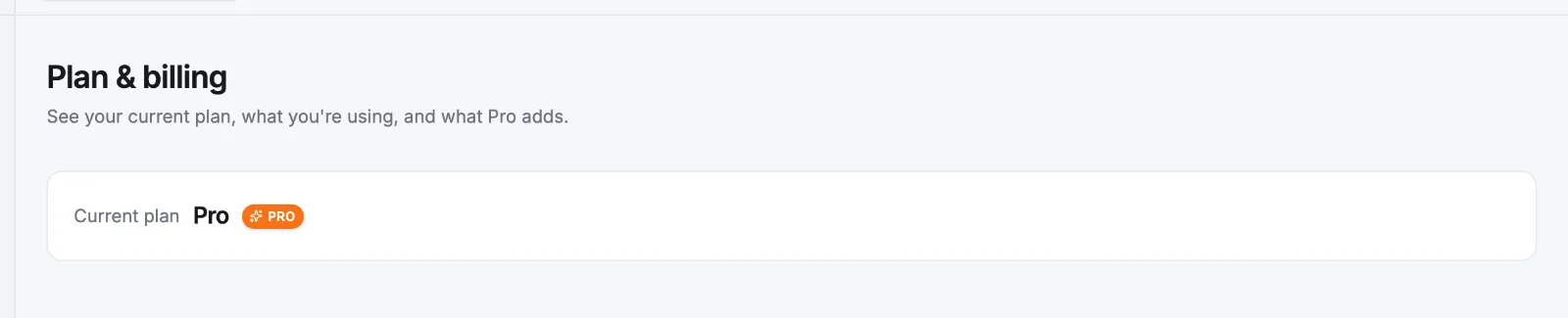
The page shows Current plan at the top. On Starter it also shows meters for People, Admins and Locations — "3 of 5 people" — that turn orange once full. On Pro and Enterprise those counters read Unlimited, so no meters appear.
What each plan includes
| Starter | Pro | Enterprise | |
|---|---|---|---|
| Price | Free | €29/month covers your first 10 people, then €2.50 each | For teams of 50+ |
| Active people | 5 | Unlimited | Unlimited |
| Admins | 1 | Unlimited | Unlimited |
| Managers | Not available | Unlimited | Unlimited |
| Active locations | 1 | Unlimited | Unlimited |
| Reports and CSV/PDF export | No | Yes | Yes |
| Timesheet history you can open | Last 30 days | 8 years | 8 years |
Only active people and active locations count. Deactivate an employee or archive a location and the slot is free again — which is what makes seasonal rosters workable on a counted plan.
What happens when you reach a limit
Atteny doesn't hide paid features. The control stays visible with a PRO badge, disabled, and a short note saying what unlocks it:
- People — "You've used all 5 people on Starter." Send invitation is greyed out.
- Admins — "Starter includes 1 admin." The Admin option is disabled in the invite dialog and on the employment tab.
- Managers — "Managers are available on Pro."
- Locations — "Starter includes 1 location." Add location is greyed out.
- Reports — the Reports hub still lists every report, but the cards are inert and a panel above offers the upgrade.
The same caps apply during the guided setup wizard, and when you reactivate or promote someone later.
Your older history is kept, not deleted
On Starter, navigating back past 30 days in Timesheets shows: "This period is outside Starter's 30-day history. Your records are safely kept — Pro shows 8 years."
Moving to Pro
There's no card form in the app. Upgrade to Pro opens an email to Atteny's sales team, who set the plan up with you. Once you're on Pro, the badges disappear, the counters read Unlimited, and Reports unlock for admins and managers.
Plan limits are separate from the features you've switched on — see Modules — and from what each role may do, in Roles and permissions.
Related articles
Still need help?
Contact support