
Employee profiles
The tabs on a person's record, what they can edit themselves, and what only an admin can change.
Every person has one record. Go to Employees in the sidebar and select a name. The record opens with a PROFILE rail down the left side.
The tabs
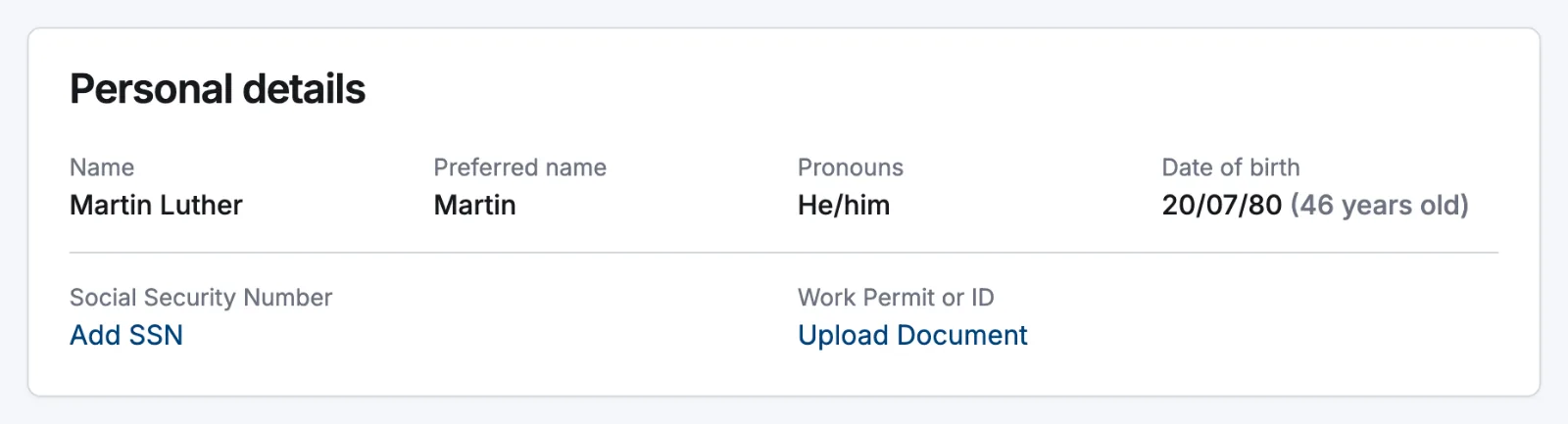
- Personal: the Personal details, Contact and Bank Details cards. On your own record there's also a Danger zone with Delete account.
- Employment: work details, work locations, pay details, pay rate history and device registration. Hidden when the Payroll module is off.
- Availability: that person's week-by-week availability. Hidden when the Availability module is off.
What people can change themselves
Open Settings → People. Self-service editing has one switch per field group, and it applies to employees editing their own record: admins and managers are never restricted.
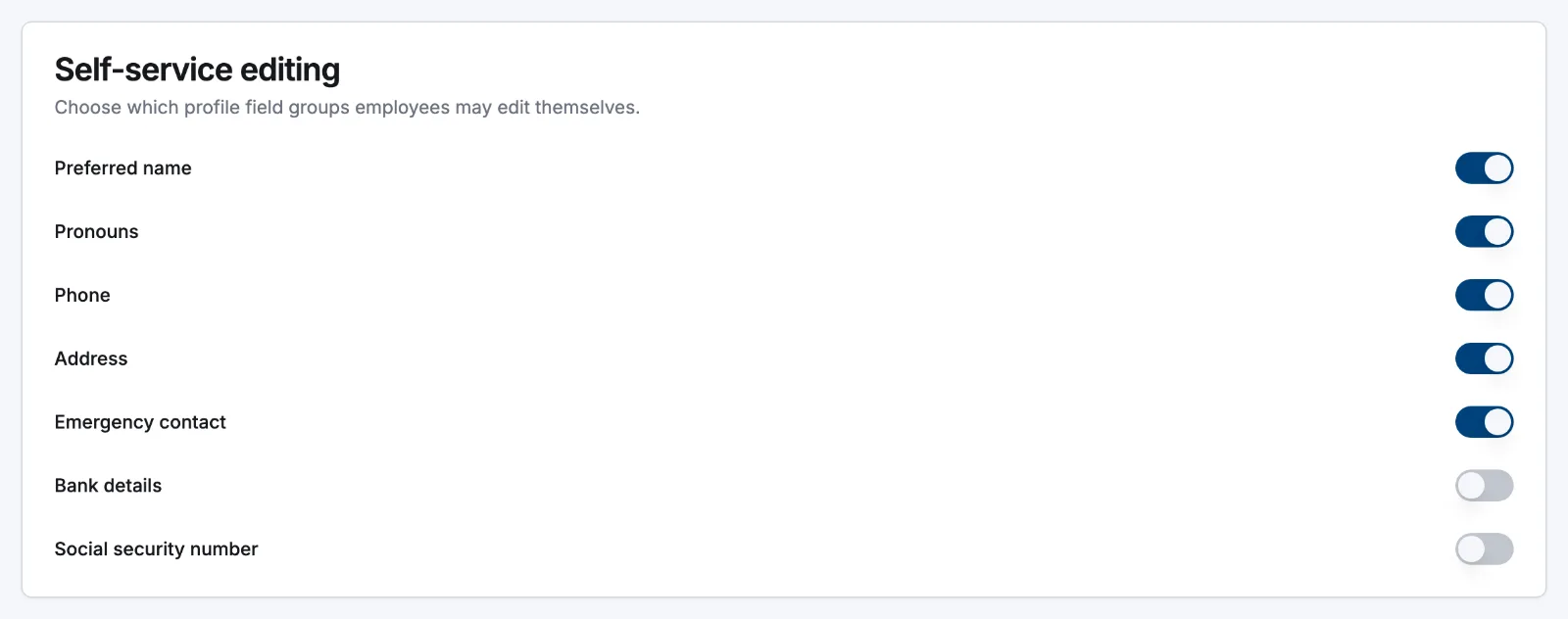
| Field group | Employee can edit by default | Switch in Settings → People |
|---|---|---|
| Preferred name | Yes | Yes |
| Pronouns | Yes | Yes |
| Phone | Yes | Yes |
| Address | Yes | Yes |
| Emergency contact | Yes | Yes |
| Bank details | No | Yes |
| Social security number | No | Yes |
| Date of birth | Always editable | No switch |
| Work permit / ID | Once, while empty | No switch |
A locked group is greyed out in Edit Personal Profile and labelled Managed by your administrator. There is one exception, the fill-once rule: while a field is still empty, the person can supply it once themselves. That's what the app's first-run setup does. Once a value exists, only an admin or manager can change it.
Required profile fields, on the same page, is a separate list: it drives the Complete your profile banner that names the groups still missing. Out of the box that's date of birth, phone, emergency contact and address; full name is always required.
Admin-only ground
Pay rate, payroll ID, employment type, role, status and locations live on Employment: an employee opening that tab just sees Pay details are restricted to admins and managers. A manager's view of Personal is trimmed as well: name, email, phone and employment information, not the full personal record.
Related articles
Still need help?
Contact support