
Create your account and company
Sign up for Atteny and set up your business in a couple of minutes, no credit card needed.
Atteny is free for teams of up to five people, and you can be up and running in a couple of minutes. This guide walks you through creating your account and your company, the very first thing every business does.
- 1
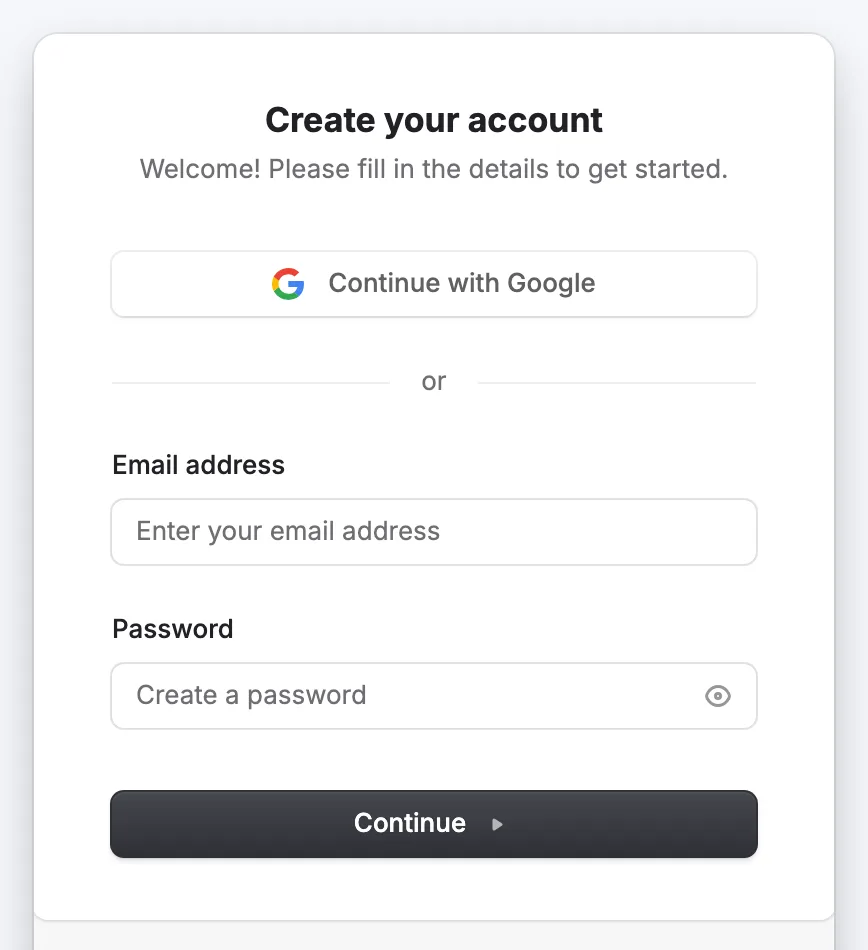
Go to the sign-up page and choose how to sign in
Open atteny.com and select Start free. You can sign up with your Google, Apple or Microsoft account, or with an email address and password, whichever you prefer.
- 2
Name your company
The first time you sign in, Atteny asks for your company name. Type it in and select Create. This creates your workspace and makes you its administrator.
You only do this once. Everyone you invite later joins this same company automatically. They never create their own. - 3
You're in
You land straight on your dashboard. It's empty for now. The next few guides fill it in, starting with choosing which features your team needs.
What's next
Your account is ready. Now tell Atteny how your business works:
- Choose your features: turn on only the parts you need.
- Invite your team: get everyone on board.
Related articles
Still need help?
Contact support