
Invite your team
Send email invitations so your staff can join: they sign up with the invited address and are added automatically.
Invitations are how your team joins Atteny. Each person gets an email in their own language; when they sign up with that email address, they're added to your company automatically. There's no code to type.
- 1
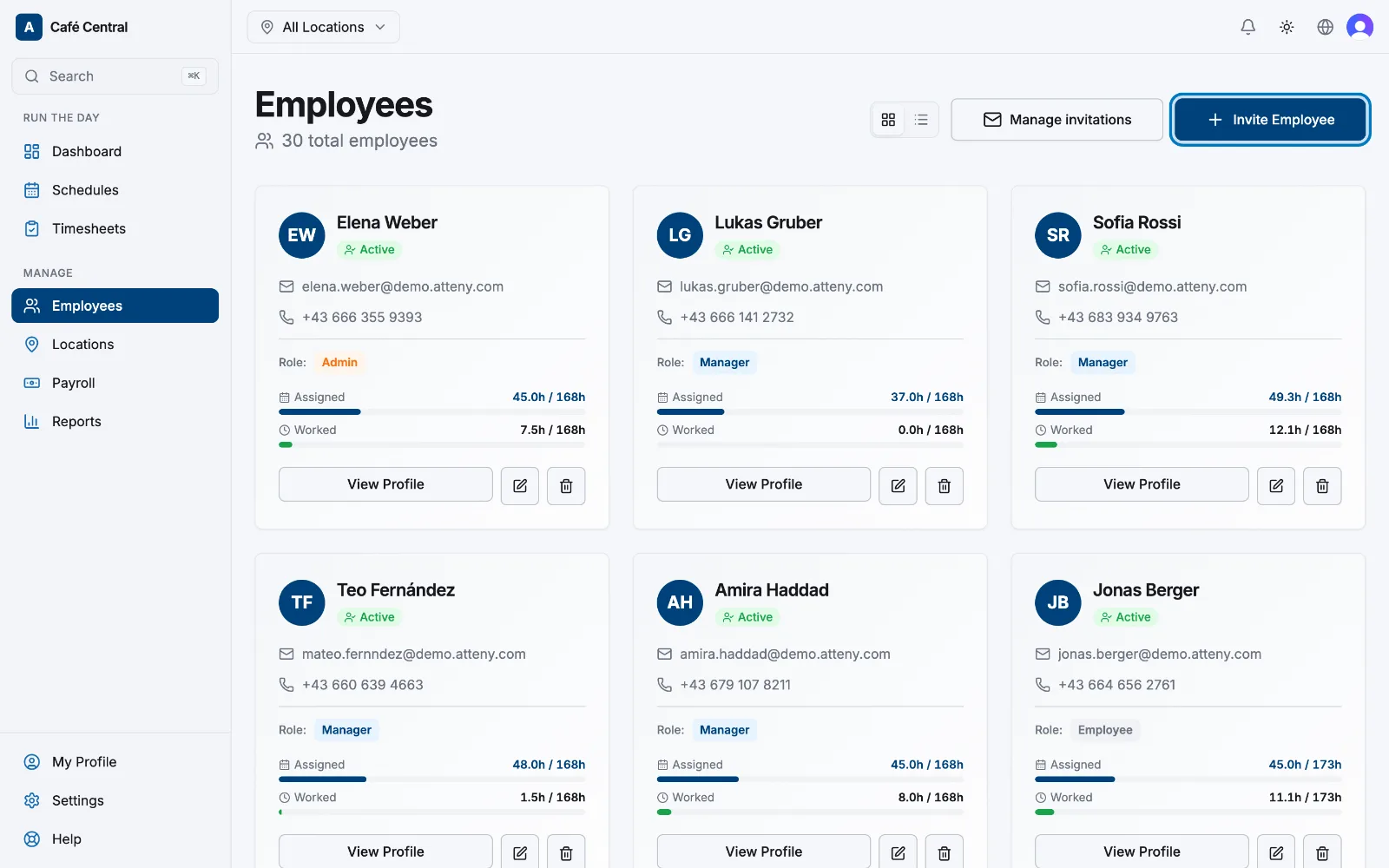
Open Employees and select Invite employee
Go to Employees in the sidebar and select Invite employee in the top-right corner.
- 2
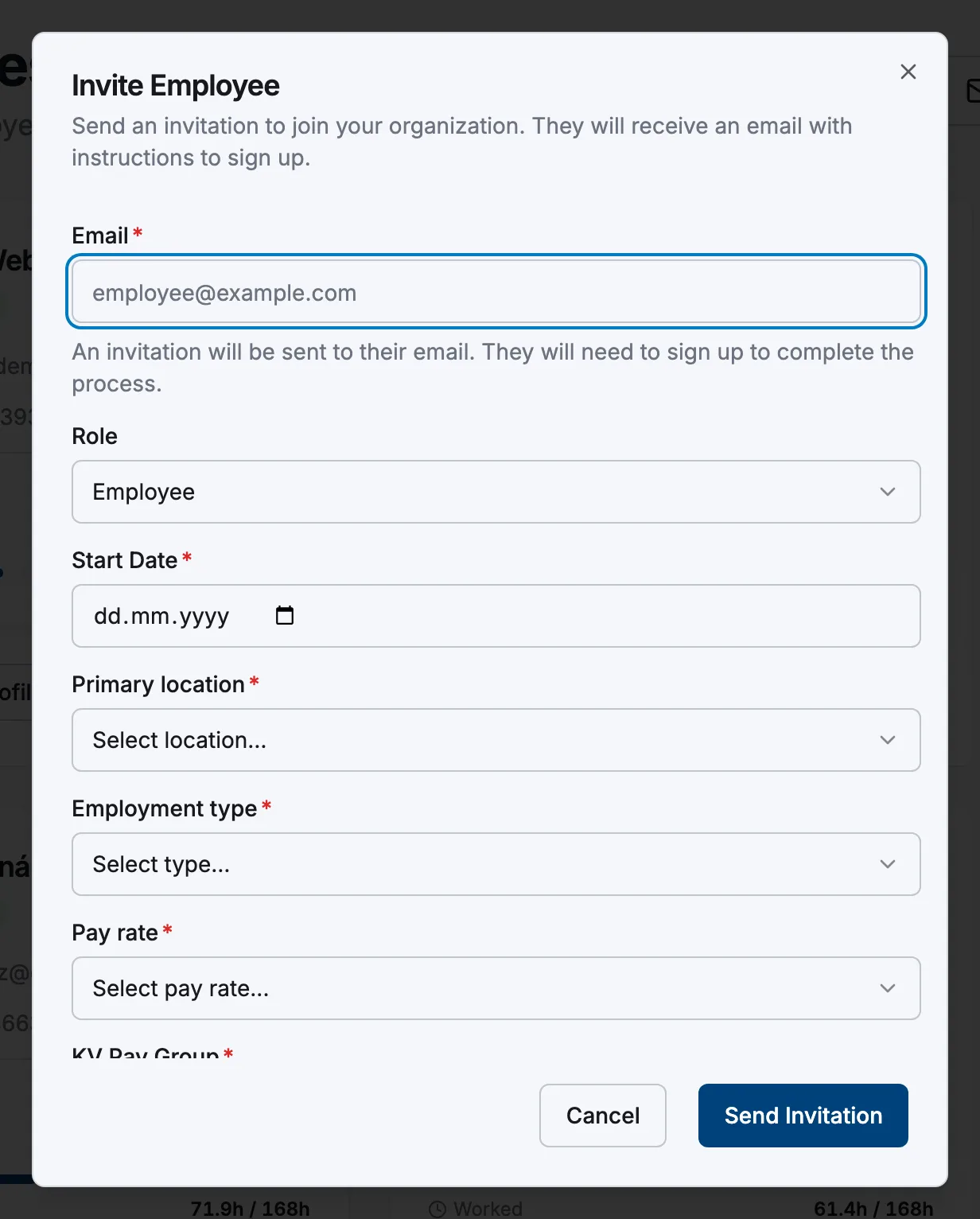
Enter their email and details
Type the person's email address and choose their role, employment type, hourly rate and location. Don't worry about getting everything perfect. All of these can be changed later from their profile.
- 3
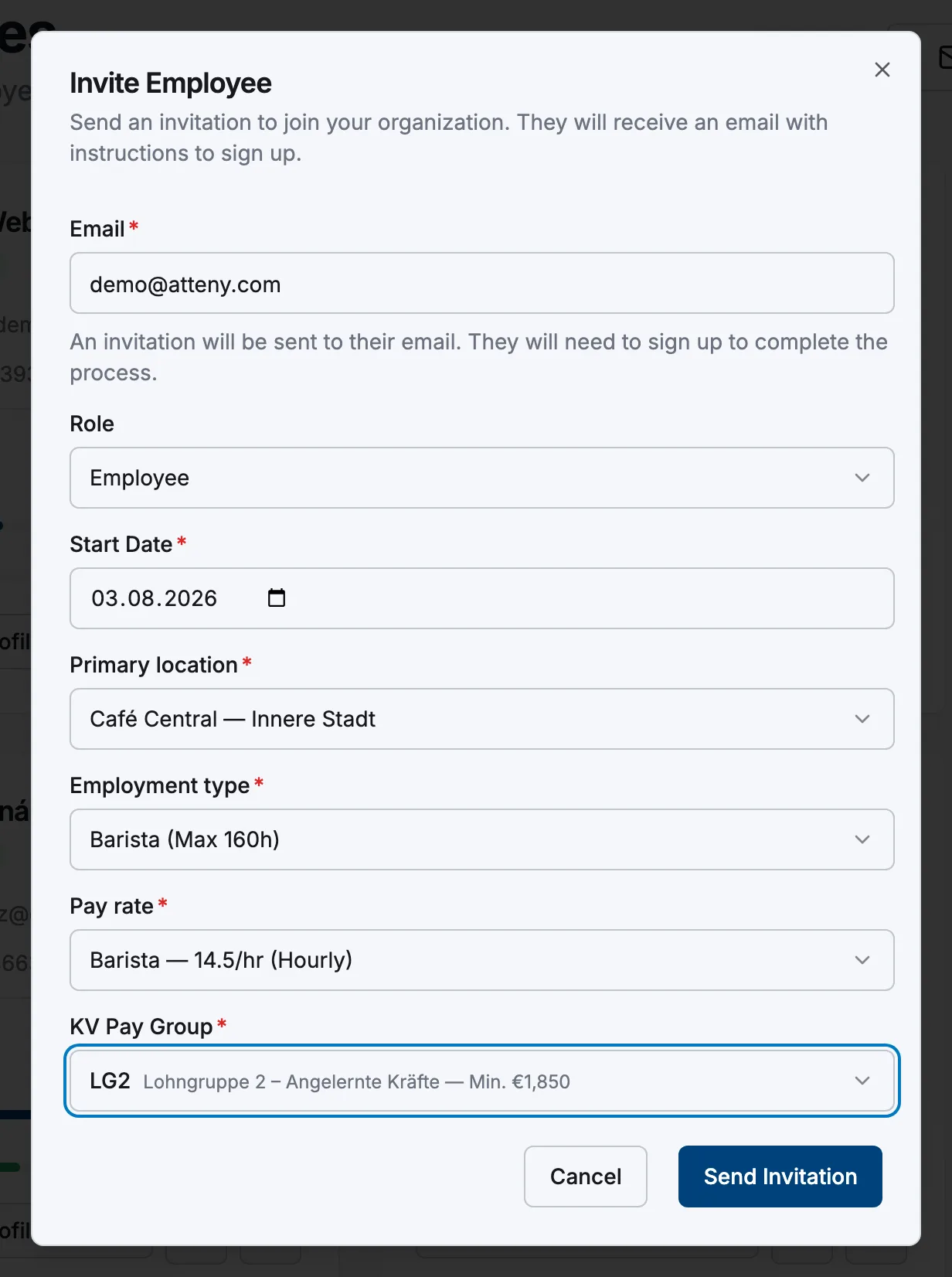
Send the invitation
Select Send invitation. The person receives an email straight away, inviting them to install the app and join.
- 4
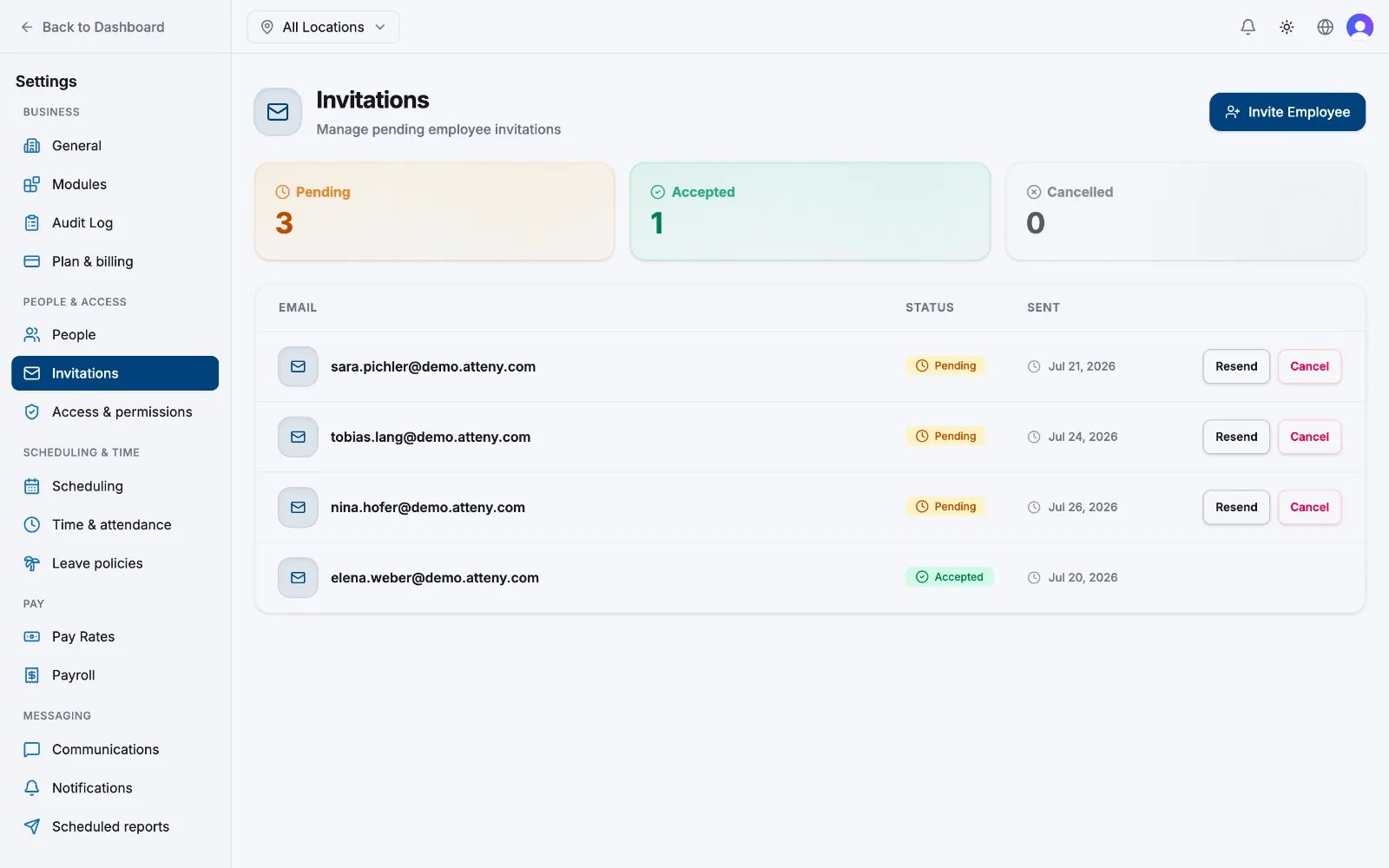
Track and manage invitations
Go to Settings → Invitations to see everyone you've invited who hasn't joined yet. From here you can resend an invitation or revoke it.
What happens next
Your team member receives the email in their language, installs the Atteny app, and signs up with the invited address. They're joined to your company with no extra steps. Learn more in How claiming works.
Related articles
Still need help?
Contact support